Why teams look for an Asana alternative
Asana is a work and project management platform, and for planning work it is strong: list, board and calendar views, timeline and Gantt views from Starter, rules and automations, intake forms that create tasks, portfolios and goals on Advanced, and unlimited free guests. PLYNTUM vs Asana covers the head-to-head. For teams that bill clients, the gaps are these.
- Time tracking starts on Advanced. Native time tracking is on Advanced and up: $24.99 per user a month billed annually, or $30.49 monthly. Starter, at $10.99 ($13.49 monthly), tracks time only through integrations (checked 25 September 2026).
- Approval is a paid add-on. Timesheet approval, budgets and user rates come with the Timesheets & Budgets add-on at $5.99 per user a month billed annually. Asana’s own pages disagree on who can buy it: the add-on page lists Starter and up, while the add-on card on the pricing page says Enterprise (checked 25 September 2026).
- No native invoicing. Invoices, expenses and receivables are not on Asana’s pricing page, so billing lives in another tool that has to match your hours.
- Seats come in steps. Above 5 users, seats are sold in steps of 5 up to 30, so 11 people pay for 15.
- The language. Georgian is not among Asana’s display languages. PLYNTUM’s interface is in Georgian and English.
Most tools here have fewer views and less automation than Asana, PLYNTUM included.
How to choose an Asana alternative
Start from what is missing in Asana.
- Do you want to keep Asana? Add billing beside it. Harvest integrates with Asana and covers time and invoices, but you run two tools and two sets of records.
- Do you want another general work tool? monday.com and ClickUp are closest to Asana. Neither lists native client invoicing in its work management plans.
- Do you want delivery and money together? Teamwork.com and Productive are built for client projects, with resources and finance beside the tasks. PLYNTUM does the same at one workspace price.
- Are you a freelancer or a small team? Paymo and Bonsai put projects, time and invoices in one inexpensive app.
Prices are the vendors’ own, checked 25 September 2026, excluding tax and on annual billing unless stated; 10-person costs are arithmetic, not quotes. Nothing is ranked, and PLYNTUM, which we make, has its own section.
Seven Asana alternatives
monday.com
monday.com calls itself an AI work platform; its Work Management product covers projects and tasks. Basic is $9, Standard $12 and Pro $19 per seat a month billed annually ($12, $14 and $24 monthly). Seats are sold from 3; monday.com’s seat picker sets the exact sizes. There is a free plan for up to 2 seats and a 14-day Pro trial. Time tracking is on Pro (checked 25 September 2026).
Ten seats on Pro cost $190 a month, against $249.90 for Asana Advanced. Work Management lists no invoices or timesheet approval. PLYNTUM vs monday.com · monday.com alternatives
Best for: teams that want a flexible work platform with time tracking, and invoice elsewhere.
ClickUp
ClickUp is one app for tasks, docs, goals and chat. Native time tracking starts on Unlimited, at $7 per user a month billed annually ($10 monthly); Business is $12 ($19 monthly) and adds timesheets. There is a Free Forever plan (checked 25 September 2026).
Ten users on Business cost $120 a month, about half of Asana Advanced. Timesheet approval is on Enterprise, priced on request, and no native client invoicing is stated. PLYNTUM vs ClickUp · ClickUp alternatives
Best for: teams that want native time tracking for less than Asana Advanced, with invoices elsewhere.
Teamwork.com
Teamwork.com is professional services software for client projects, resources and financials. Accelerate, at $24.99 per user a month billed annually with a 5-user minimum, builds client invoices from logged time and tracks profit by project or client. There is a free plan for up to 5 users and a 14-day trial (checked 25 September 2026).
Ten people on Accelerate cost $249.90 a month, the same as Asana Advanced before its add-on, with time and invoicing included. PLYNTUM vs Teamwork.com · Teamwork.com alternatives
Best for: agencies that want Asana-style project work with time, invoices and profit built in.
Productive
Productive is agency software for resources, projects and finances, with deals and a sales pipeline on every plan. Professional is $25 per user a month billed annually ($29 monthly), with a 3-seat minimum and a 14-day trial (checked 25 September 2026).
Ten people on Professional cost $250 a month. Time approvals are on every plan, and the interface is in English only. PLYNTUM vs Productive · Productive alternatives
Best for: agencies that want a pipeline, delivery and finance in one tool.
Paymo
Paymo is work management with time tracking and invoicing for small teams and freelancers. Plus is $10.90 per user a month billed annually ($15.90 monthly); Pro, which adds timesheet approvals, is $16.90, or $23.90 monthly (checked 25 September 2026). The annual prices match a three-month offer that Paymo labels time-limited.
Ten people on Plus cost $109 a month billed annually, or $159 monthly. Time tracking and invoices are on every plan, the free one-user plan included. PLYNTUM vs Paymo
Best for: small teams that want tasks, time and invoices in one inexpensive app.
Harvest, alongside Asana
Harvest is time tracking with invoicing, and it lists an Asana integration. Teams is $9 per seat a month billed annually ($11 monthly). Enterprise, with timesheet approvals and profitability reporting, is $14 ($17.50 monthly). Extra invoices, projects, clients and tasks can add usage fees, and Harvest’s pricing page does not list the amounts. There is a 30-day trial (checked 25 September 2026).
Asana Starter lists time tracking through integrations, so an example for 10 people is Asana Starter plus Harvest Teams: $109.90 + $90 = $199.90 a month billed annually, before usage fees. With Harvest Enterprise, it is $249.90. PLYNTUM vs Harvest · Harvest alternatives
Best for: teams that like Asana and only need time and invoices beside it.
Bonsai
Bonsai is an all-in-one tool for small agencies and independents: proposals, contracts, invoices and projects. Essentials, which adds invoicing, is $19 per user a month billed annually ($25 monthly). Plans run from $9 to $49, Elite needs at least 3 users, and time tracking is on every plan. There is a 7-day trial (checked 25 September 2026).
Ten users on Essentials cost $190 a month. Timesheet approval is not listed. PLYNTUM vs Bonsai
Best for: freelancers and small agencies that send proposals and contracts.
Comparing other tools too? See every alternatives list we publish.
Where PLYNTUM fits, and where it does not
What it covers
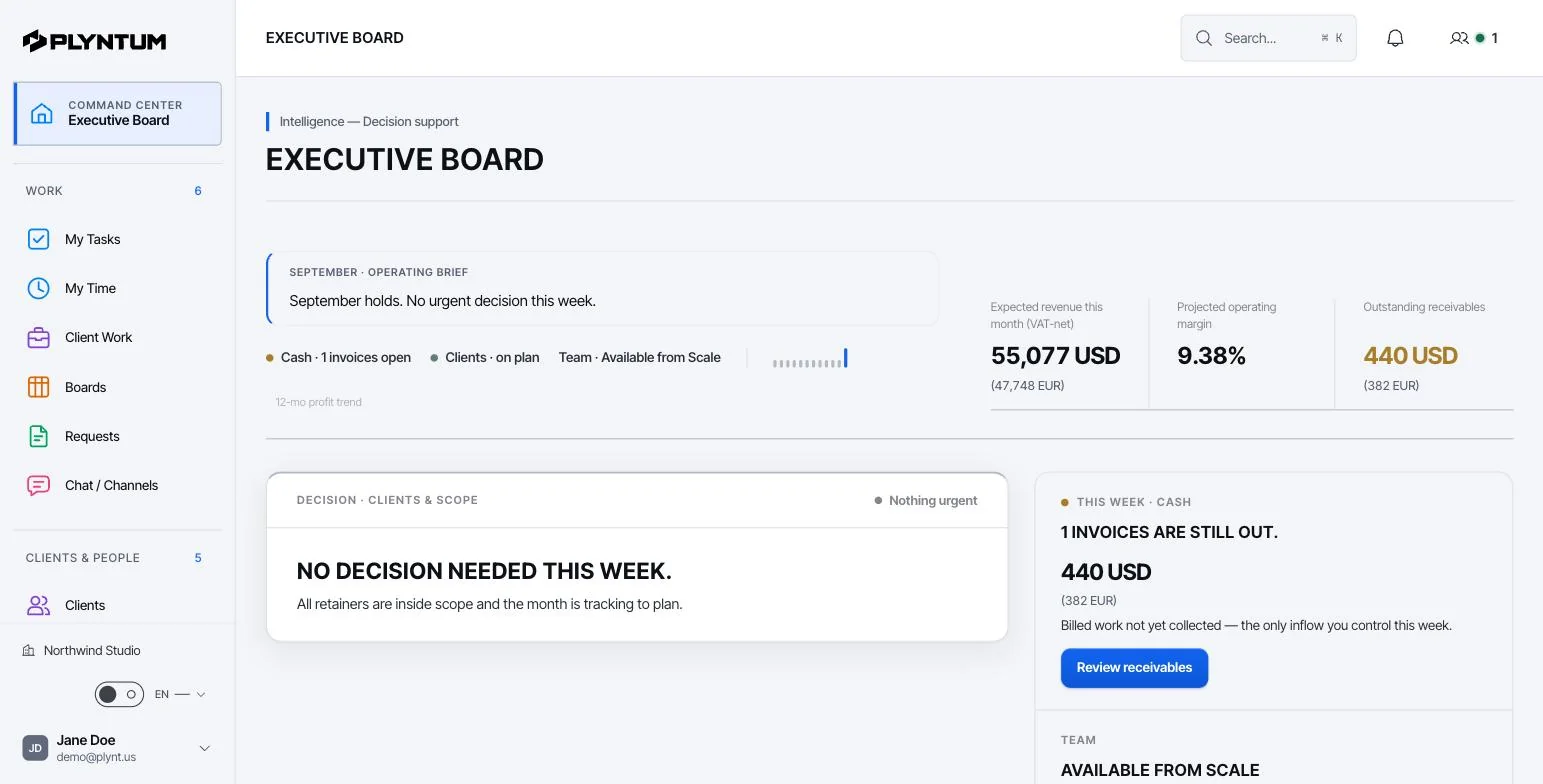
PLYNTUM is business management software for service companies. Projects and tasks, clients, people, time, invoices, expenses and receivables share one workspace. More on work management in PLYNTUM.
- Work, on every plan. Tasks and subtasks with dependencies; list, board, calendar, week and timeline views; custom fields, company boards and recurring task templates.
- Time, on every plan. A timer or typed entries, each on a task and marked billable or non-billable. From Core, managers approve weekly timesheets.
- Money. Invoices, expenses and receivables on every plan. From Core, profit per project: logged hours at each person’s hourly cost, plus project expenses, set against the project value.
The price, worked through
PLYNTUM is priced per workspace with members included: Launch $55 a month for 5 members, Core $150 for 10 and Scale $450 for 25, or $44, $120 and $360 billed annually. Signing up starts a 7-day Launch trial with no card, and there is no free plan. See PLYNTUM pricing.
The Asana set-up closest to Core is Advanced plus Timesheets & Budgets, $24.99 + $5.99 per user a month billed annually, assuming Asana lets you add it to Advanced, as its add-on page says. An example (checked 25 September 2026):
- 5 people: Asana $124.95 + $29.95 = $154.90 a month, with no invoicing. PLYNTUM Core is $120; Launch is $44 but has no timesheet approval or profitability.
- 10 people: Asana $249.90 + $59.90 = $309.80. PLYNTUM Core is $120.
- 15 people: Asana $374.85 + $89.85 = $464.70. The 11th member moves PLYNTUM to Scale: $360.
Asana wins if you only need tasks: Starter for 10 people is $109.90 a month, less than Core, and the free Personal plan covers 2 users. Add an invoicing tool to every Asana figure above.
What PLYNTUM does not do
- Fewer views, and no Gantt. PLYNTUM has a timeline view, not Gantt charts or baselines. Asana has Gantt from Starter.
- No rules or automations yet. Recurring task templates and monthly retainer deliverables create tasks on a schedule, but multi-step automations with conditions are planned, not available.
- No intake forms. Requests in PLYNTUM are internal HR and admin types only, such as leave, remote work or equipment. Agreed client changes are added as their own tasks.
- No integrations yet. Slack, Google, Zapier and an API are planned.
- Workload view on Scale only. Asana lists workload on Advanced.
- No sales CRM or quotes yet. Both are planned.
When to stay with Asana
- Billing is already solved. If hours and invoices live in a tool you trust, Asana plus that tool may be enough.
- You rely on automations, forms and integrations. PLYNTUM does not match them today.
- Many teams share Asana. If other departments also plan in it, moving only the client team splits the company across two tools.
- You are two people. The Personal plan is free for 2 users.
- You are mid-contract. On annual billing, wait for the renewal date.
Moving from Asana
PLYNTUM has no Asana importer. Its CSV import covers clients, employees and expenses; projects and tasks are set up by hand.
- Start with one client. Keep Asana for task coordination while you run one client’s time, invoices and costs in PLYNTUM for a month, then decide whether to move the rest.
- Export before you cancel. Save what you need from Asana: projects, open tasks, and any time or budget data from the add-on.
- Set up clients first. In PLYNTUM every project belongs to a client and every hour to a task, so import clients and people, then create projects and open tasks.
- Rebuild repeating work. Use recurring task templates and, for retainer clients, monthly deliverables that create each month’s tasks.
Try one real client on Launch’s 7-day trial first; timesheet approval, profitability and recurring invoices need Core. For help planning the move, write to us.
Sources
Every price was checked on the vendor’s own pricing page on 25 September 2026. If something has changed, tell us at info@plyntum.com and we will correct it.