Why teams look for a Teamwork.com alternative
Teamwork.com is professional services software for client projects, resources and financials. It covers a lot: client users can join projects from Basics, Accelerate builds invoices from logged time and tracks profit by project or client, Optimize schedules by role and skill, and higher plans move work from a CRM pipeline into projects. PLYNTUM vs Teamwork.com covers the head-to-head. The usual reasons to look elsewhere are these.
- The plan you need is per user, with a minimum. Accelerate is $24.99 per user a month billed annually, with a 5-user minimum; Basics is $9.99, with a minimum of 3 (checked 25 September 2026). Ten people on Accelerate cost $249.90 a month.
- The top features have no published price. Optimize and Enterprise are priced on request, so scheduling by role and skill cannot be costed without a sales call.
- Extras are priced separately. Onboarding services, premium support and SSO are listed as additional solutions, without prices.
- The language. Georgian is not stated among its interface languages on the pages we read. PLYNTUM’s interface is in Georgian and English.
Know what you would give up: PLYNTUM’s client portal is read-only, and its sales CRM is planned, not available.
How to choose a Teamwork.com alternative
Start from what you actually use in Teamwork.com.
- Do you sell as well as deliver? Productive has a sales pipeline on every plan, and Scoro adds quoting and a CRM. PLYNTUM has neither yet.
- Do you need more depth? Accelo runs quotes, retainers, tickets and contracts through to the invoice, and Function Point is built only for creative and marketing agencies. Both cost more, or publish no price.
- Is it mostly tasks? monday.com and ClickUp have broader task tools and free plans, but neither lists client invoicing in its work management plans.
- Are you a small team? Paymo is priced for small teams and freelancers.
- Will you pass 10 people? Per-user prices rise with each hire. PLYNTUM prices a workspace, but steps up at plan limits: the 11th member moves you from Core to Scale.
Prices are the vendors’ own, checked 25 September 2026, excluding tax and on annual billing unless stated; 10-person costs are arithmetic, not quotes. Teamwork.com’s monthly prices could not be verified, so its figures are annual. Nothing is ranked, and PLYNTUM, which we make, has its own section.
Seven Teamwork.com alternatives
Productive
Productive is agency software for resources, projects and finances. Deals, pipelines and a funnel report are on every plan, where Teamwork.com keeps its CRM handoff for higher plans. Essential is $10 and Professional $25 per user a month billed annually ($12 and $29 monthly), with a 3-seat minimum and a 14-day trial (checked 25 September 2026).
Ten people on Professional cost $250 a month, almost exactly Teamwork.com Accelerate. The interface is in English only. PLYNTUM vs Productive · Productive alternatives
Best for: agencies that want a sales pipeline on the plan they already pay for.
Scoro
Scoro is one platform for projects, resourcing and finances, strong on quoting, a sales CRM and work-in-progress reports. It sells app combinations at €15–€52 per user a month ($17–$57 as printed in US dollars), minimum 5 users. The billing cycle is not labelled, annual billing saves 13–17%, and onboarding and add-ons cost extra. There is a 14-day trial (checked 25 September 2026).
Ten users cost €150–€520 a month, depending on the apps: a range, not a quote. PLYNTUM vs Scoro · Scoro alternatives
Best for: firms that quote every job and want the CRM in the same system.
Function Point
Function Point is agency management software for creative and marketing agencies. Standardize is $53 and Optimize $62 per user a month billed annually; monthly payment ($58 and $68) is still on a one-year term. New customers pay an onboarding fee, and no trial is stated (checked 25 September 2026).
Ten users on Standardize cost $530 a month before onboarding, more than twice Teamwork.com Accelerate. PLYNTUM vs Function Point
Best for: creative and marketing agencies that want software built only for agencies.
Accelo
Accelo is professional services automation for client work from quote to invoice. Quotes, retainers, tickets and contracts connect to the work and the invoice. It publishes no price, plan names or trial; the price depends on team size, and you ask for a quote (checked 25 September 2026).
It goes further than Teamwork.com on the commercial side, but you cannot compare the cost without a sales call. PLYNTUM vs Accelo · Accelo alternatives
Best for: established firms that need retainers, tickets and contracts through to the invoice.
monday.com
monday.com calls itself an AI work platform; its Work Management product covers projects and tasks. Basic is $9, Standard $12 and Pro $19 per seat a month billed annually ($12, $14 and $24 monthly). Seats are sold from 3; monday.com’s seat picker sets the exact sizes. There is a free plan for up to 2 seats and a 14-day Pro trial. Time tracking is on Pro (checked 25 September 2026).
Ten seats on Pro cost $190 a month. Invoices and timesheet approval are not listed in its Work Management plans; quotes and invoices belong to a separate product, monday CRM. PLYNTUM vs monday.com · monday.com alternatives
Best for: teams that want a flexible work platform and invoice from another tool.
ClickUp
ClickUp is one app for tasks, docs, goals and chat, for any kind of team. Unlimited is $7 and Business $12 per user a month billed annually ($10 and $19 monthly), and there is a Free Forever plan (checked 25 September 2026).
Ten users on Business cost $120 a month. Business has timesheets, but timesheet approval is on Enterprise, priced on request, and no native client invoicing is stated. PLYNTUM vs ClickUp · ClickUp alternatives
Best for: teams that want many task features and already invoice elsewhere.
Paymo
Paymo is work management with time tracking and invoicing for small teams and freelancers. It is free for one user and has a 15-day trial. Plus is $10.90 per user a month billed annually ($15.90 monthly); Pro, which adds timesheet approvals, is $16.90, or $23.90 monthly (checked 25 September 2026). The annual prices match a three-month offer that Paymo labels time-limited.
Ten people on Plus cost $109 a month billed annually, or $159 monthly. PLYNTUM vs Paymo
Best for: small teams that want tasks, time and invoices with little set-up.
Comparing other tools too? See every alternatives list we publish.
Where PLYNTUM fits, and where it does not
What it covers
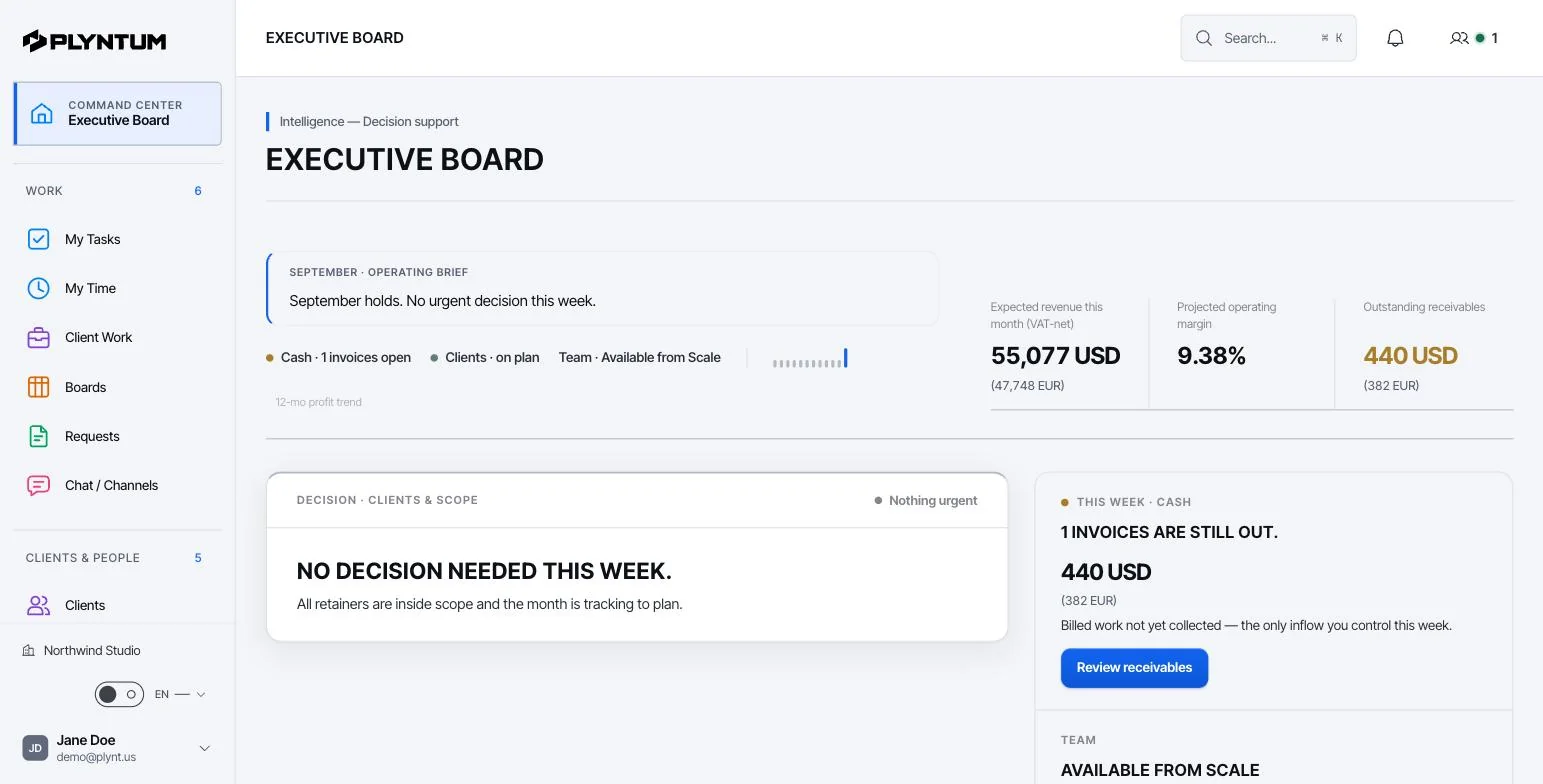
PLYNTUM is business management software for service companies. Projects and tasks, clients, people, time, invoices, expenses and receivables share one workspace. More on client and project management.
- Work. Tasks and subtasks with dependencies; list, board, calendar, week and timeline views; custom fields and recurring task templates, on every plan.
- Hours and profit. Every time entry belongs to a task. From Core, a manager approves weekly timesheets, which locks each approved week. Profitability, also from Core, counts all logged hours as labor cost at each person’s hourly cost and sets that cost, with project expenses, against the project value.
- Billing and clients. Invoices, expenses and receivables on every plan. From Core, recurring invoices and a read-only client portal.
The price, worked through
PLYNTUM is priced per workspace with members included: Launch $55 a month for 5 members, Core $150 for 10 and Scale $450 for 25, or $44, $120 and $360 billed annually. Signing up starts a 7-day Launch trial with no card, and there is no free plan. See PLYNTUM pricing.
An example against Teamwork.com Accelerate at $24.99 per user a month billed annually, with PLYNTUM also billed annually (checked 25 September 2026):
- 5 people: Accelerate $124.95 a month, Basics $49.95, or $0 on the free plan. PLYNTUM Launch is $44, without timesheet approval or profitability; Core, which has both, is $120.
- 10 people: Accelerate $249.90, Basics $99.90. PLYNTUM Core is $120.
- 15 people: Accelerate $374.85, Basics $149.85. The 11th member moves PLYNTUM to Scale: $360, or $450 billed monthly.
At 10 people, Core costs about half of Accelerate. At 15, Scale billed annually and Accelerate are within $15 of each other. At 5, Teamwork.com’s free plan costs nothing, and PLYNTUM has no free plan.
What PLYNTUM does not do
- No sales CRM or quotes yet. Both are planned, with no release date. Teamwork.com hands CRM deals to projects on higher plans today.
- Clients cannot work inside projects. The client portal is a read-only link. Teamwork.com invites client users into projects.
- Invoices are not built from hours. You write each invoice by hand; Accelerate builds them from logged time.
- Workload planning is on Scale. Core has no workload or capacity view.
- No integrations yet, and no mobile app. Integrations are planned; PLYNTUM is a web app with no native mobile app.
When to stay with Teamwork.com
- You are 5 people or fewer. The free plan covers up to 5 users, and PLYNTUM has no free plan.
- Clients work inside your projects. A read-only portal is not the same thing.
- Deals move from its CRM to projects. PLYNTUM’s CRM is planned, not available.
- You invoice straight from logged time. Accelerate does it; PLYNTUM invoices are written by hand.
- You are mid-contract. On annual billing, wait for the renewal date.
Moving from Teamwork.com
PLYNTUM has no Teamwork.com importer. Its CSV import covers clients, employees and expenses; the rest is set up by hand.
- Export before you cancel. Clients, open projects with budgets, tasks, time entries, rates and unpaid invoices. Keep the full export as an archive.
- Import clients, people and expenses. Paste each CSV, check the preview and commit; undo is possible within 24 hours.
- Set up projects, then open tasks. Every hour belongs to a task in a client’s project. Rebuild repeating work as recurring task templates, and add project values and each person’s salary and working hours for profitability.
- Tell clients what changes. Instead of project access, they get a portal link on Core, which you can revoke at any time.
- Run both for two weeks. Compare hours per project each week, and invoice from PLYNTUM once the totals match.
Try one real client on Launch’s 7-day trial first; timesheet approval, profitability, recurring invoices and the client portal need Core. For help planning the move, write to us.
Sources
Every price was checked on the vendor’s own pricing page on 25 September 2026. If something has changed, tell us at info@plyntum.com and we will correct it.