
Business management platform for service companies
Disconnected tools. Connected work. Plan company work, manage client relationships and connect people, logged time and operating costs. Follow what happened, who was involved and what it meant for the business.
Key facts
- What it connects
- Projects and tasks, client records, people and capacity, tracked time, invoices, expenses and receivables in one workspace.
- Time and cost
- Project cost counts every logged hour, so a margin figure can be traced to the hours behind it. From Core, a manager approves each person’s week, which locks it.
- Several companies
- Each company gets its own workspace, with separate members and permissions, under one login.
- Languages
- English and Georgian.
- In development
- AI analyses and private desktop time capture remain in development. CRM core has plan and role limits.
How it looks in PLYNTUM.
Screens from a demo workspace with sample data, as the product looks today.
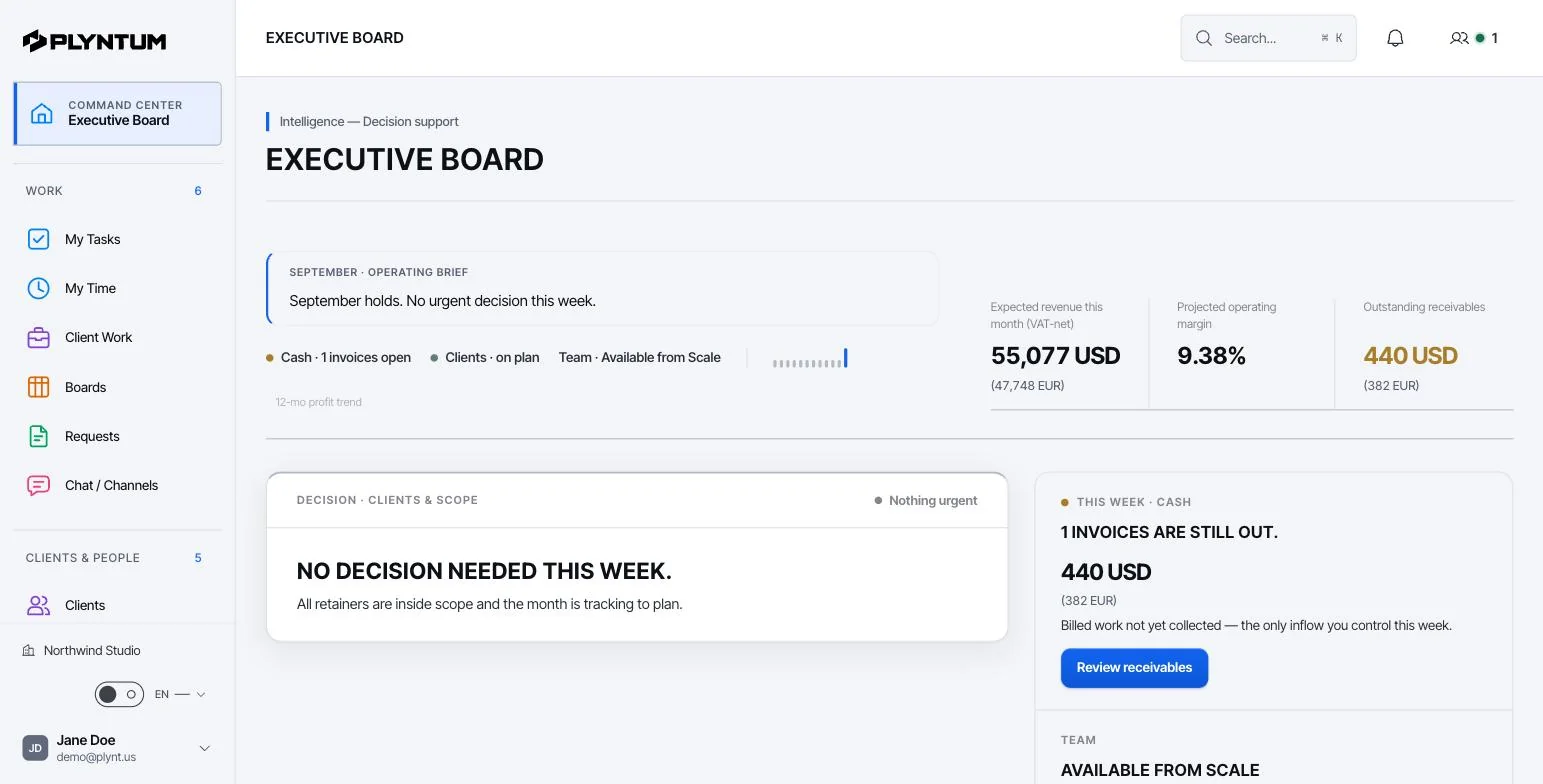
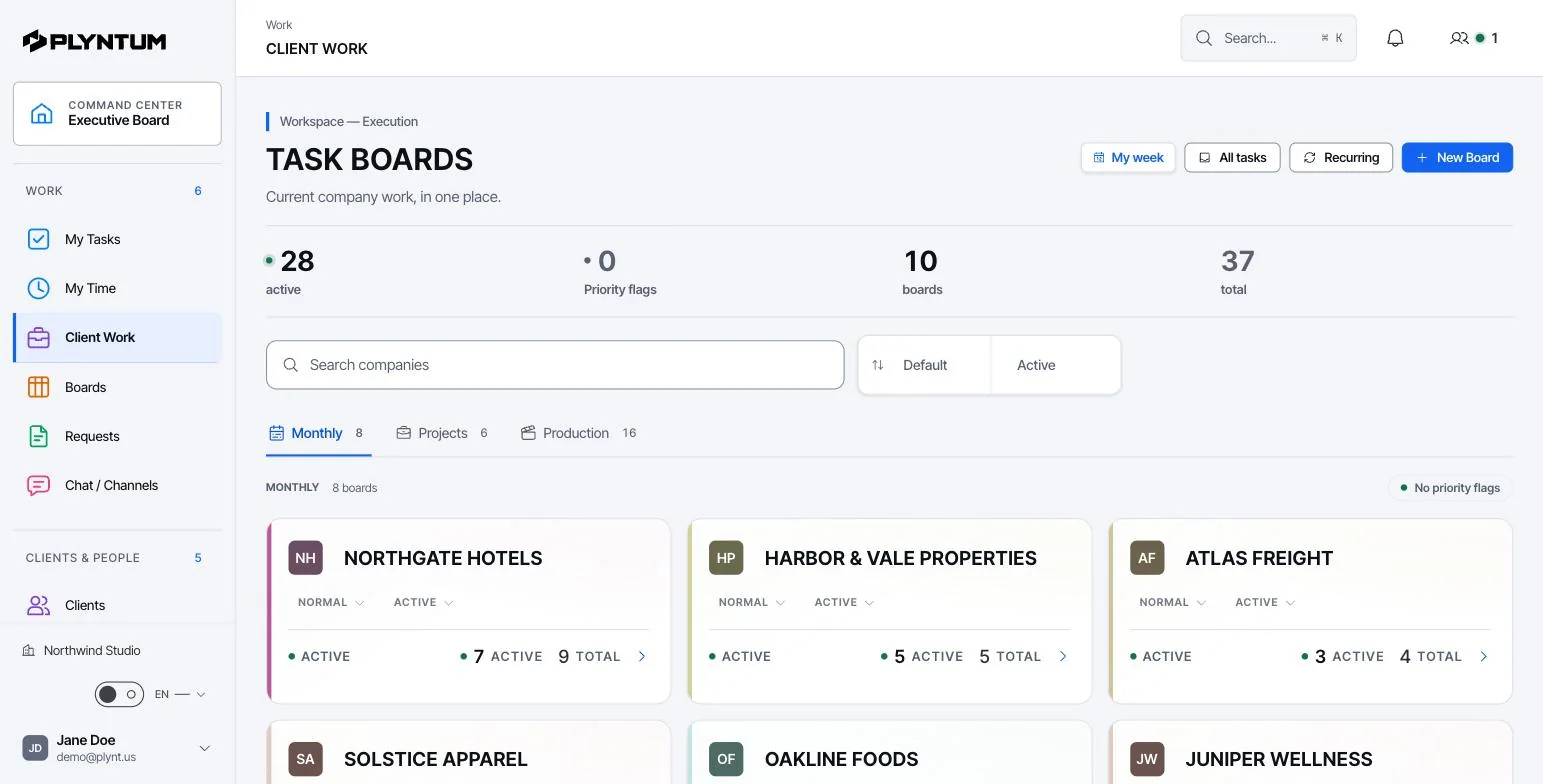
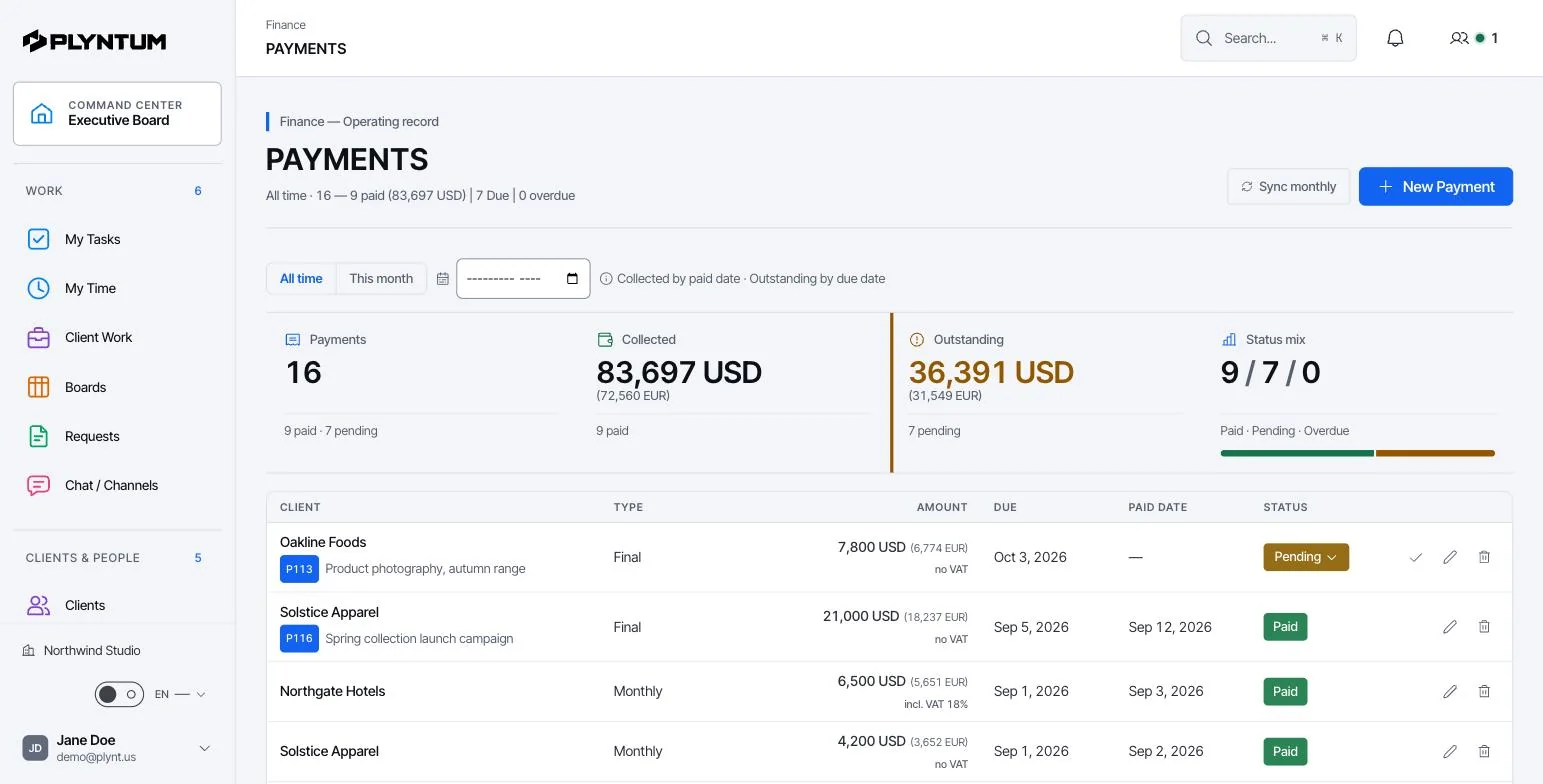
The brief changed. Did the plan?
Keep the request, task, owner, files and decision together. Update the scope where the team works.
Explore02 / Client contextYour client’s history is in five places.
Connect client records to projects, agreements and work history. Give the next person the context they need.
Explore03 / Client portalClient portal
A private link where each client sees their projects, invoices and balance.
Explore04 / People & workloadThe deadline is fixed. Your team is full.
Review assignments, attendance and recorded effort before taking on more work. Allocate the next task with the team’s workload in view.
Explore05 / Time trackingA full day of work. Only some hours recorded.
Record time, review it and link it to the work. Follow the effort behind each project without relying on memory.
Explore06 / Finance & costsThe invoice is $8,000. What did you earn?
Connect reviewed effort, direct expenses and project revenue. See what remains before overhead, and track collected and outstanding amounts separately.
Explore07 / Reports & analyticsThree reports. Three different answers.
Review work, effort and financial records in the same workspace. Trace the result back to its source before making the next decision.
Explore08 / Company workspacesTwo companies. Mixed-up information.
Keep company-specific boards and records within the appropriate workspace and permitted access.
Explore09 / Requests & approvals“Did anyone approve this?”
Give requests a named owner and a clear review status. Keep the decision alongside the work it affects.
Explore10 / Chat, files & recurring workThe decision was in chat. The work is somewhere else.
Keep conversations, documents and recurring work connected to the operating context.
Explore11 / Sales CRMSales CRM
Explore12 / All capabilitiesAll capabilities
ExploreCommon questions
Start with the work that keeps getting stuck.
Bring one project into a connected workspace. See the work, the people and the cost together.