
The month that repeats
An accounting firm’s year is a set of dates it does not choose. Every client needs the same things each month or quarter: the books closed, payroll inputs checked, returns prepared and filed on time. The work is predictable. What is not predictable is when clients send what you need, and how much extra they ask for along the way.
That is where a fixed monthly fee quietly loses its margin. A client who sends bank statements on the 12th instead of the 3rd creates a rush; a client who asks for “one more report” each month adds two hours nobody priced. Neither shows up anywhere until someone compares the fee with the hours, usually at year end.
What a practice needs in place
- A client list with the services each client buys. Bookkeeping, payroll, VAT, annual accounts: each with its own rhythm and fee.
- Recurring work that creates itself. The same checklist every month, with a due date and an owner, without someone rebuilding it.
- Time recorded against the client. Not a weekly total, but hours on the client and the task, including the calls and follow-ups.
- Fee against effort, per client. Which clients pay for the time they take, and which are subsidised by the rest.
- A view of the next deadlines. Who is due what this week, and what is still waiting on the client.
How it works in PLYNTUM
- Clients and engagements. Each client has its own record with its projects: one per engagement, such as monthly bookkeeping or annual accounts. See client and project management.
- Recurring task templates on every plan set up the monthly checklist with owners and due dates. Views by list, board, calendar and week show what is due.
- Time on the task. People record time against the client task they worked on, with a manual timer or a timesheet. From Core, managers approve timesheets. See time tracking.
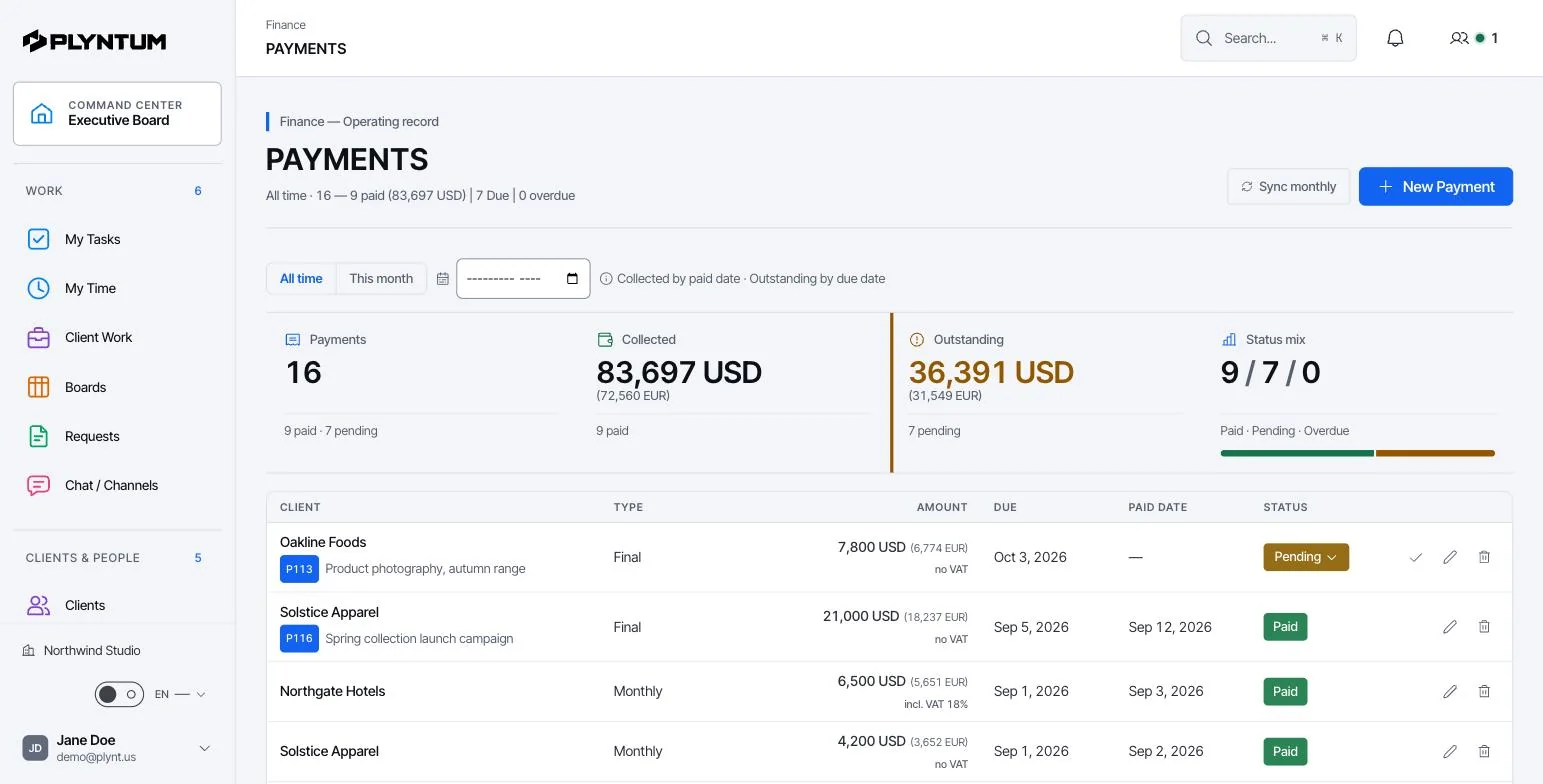
- Recurring invoices from Core bill the monthly fee; one-off work is invoiced on the same client. Payments and receivables sit next to them.
- Profitability per client. From Core, approved hours become cost at each person’s loaded rate and are set against the fee. See project budgets, costs and profitability.
- Requests. Requests and approvals give each extra ask an owner and a decision before anyone starts on it.
A monthly fee, worked through
A client pays 600 a month for bookkeeping, payroll inputs and a monthly return. You planned 14 hours a month. With a blended cost rate of 24 an hour, that is 336 of cost and a 44% margin.
In March the documents arrive late and the client asks for two extra management reports. The month takes 21 hours: 504 of cost, and the margin falls to 16%. One month like that is noise. Three in a row is a client whose fee no longer matches the work.
| Planned month | March | |
|---|---|---|
| Fee | 600 | 600 |
| Hours | 14 | 21 |
| Cost at 24 an hour | 336 | 504 |
| Margin | 44% | 16% |
The figures are an illustration. The point is that the answer comes from recorded hours on the client, not from memory, so the conversation about the fee has facts behind it. The hourly rate calculator works out a cost rate for your own team.
Peak season
Deadlines cluster: month-end, quarter-end and the annual filing season land on the same people. Two habits help. First, record every hour, including internal work, so you can see how much of the team’s week goes to clients before the peak arrives; the utilization calculator shows the share. Second, look at the due dates a month ahead, not a week.
PLYNTUM shows due dates and owners on every plan. Workload and capacity planning by person, for the weeks ahead, is on the Scale plan.
Choosing practice management software
- Recurring work. Can the monthly checklist create itself, with owners and dates?
- Time per client. Is time recorded against the client and task, and can a manager approve it?
- Fee against effort. Can you see, per client, what the hours cost against what you invoice?
- Your accounting software. Does the tool need to exchange data with it? PLYNTUM has no integrations with accounting software today, so check this first if you need one.
- Price for the whole firm. Per-user prices grow with every hire. PLYNTUM prices a workspace: $55 a month for 5 members, $150 for 10, $450 for 25 (monthly billing). See pricing.
What PLYNTUM does not do
- It is not accounting software: no general ledger, bank reconciliation or financial statements.
- It does not prepare or file tax returns, and it does not calculate payroll.
- It has no integrations with accounting or tax software today; integrations with Google Calendar, Drive, Gmail and Outlook are planned.
- It has no automated document requests or reminders to clients. The client portal (Core) gives each client limited access to their own work.
Moving a practice to PLYNTUM
- Start with ten clients. Pick a mix: two that pay well for little work, two that take far more time than their fee, and the rest in between.
- Set up each engagement as a project with its fee, and a recurring task template for the monthly checklist.
- Add each person’s loaded hourly cost so profitability has something to measure. Salaries are visible to management only.
- Record every hour for one full month, internal work included, then compare fee and cost per client.
- Bring the rest across once the first month’s numbers look right, and set up recurring invoices on Core.
Try it with real clients on Launch’s 7-day trial; timesheet approval, recurring invoices and profitability need Core. If you want help planning the move, write to us.