
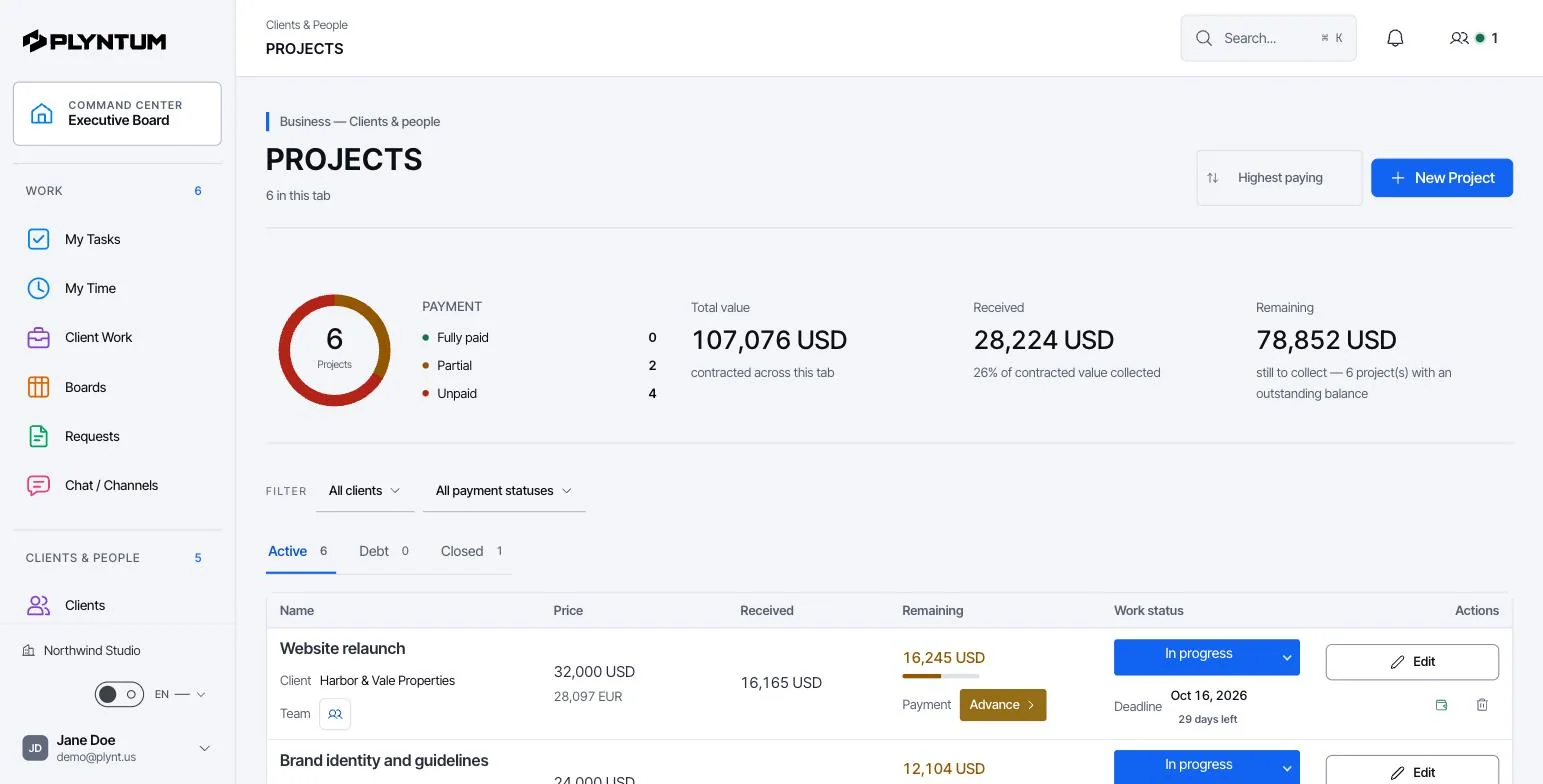
Where fees leak in design and engineering work
A design fee is usually fixed per phase or agreed as a share of the construction budget. The hours behind it are not fixed. The fee leaks in familiar places: a third concept round when two were agreed, design development that runs long, coordination with consultants nobody priced, extra site visits during construction, and client changes after a phase was signed off.
None of this shows up in the drawings or in the accounts. It shows up only when hours are recorded against the phase they belong to and compared with what that phase was meant to take.
What to track on each project
- The fee for each phase, for example concept, design development, construction documents and site supervision.
- Hours by person against each phase, not against the project as a whole.
- Changes with a decision: included, charged as an additional fee, or declined.
- Consultant and other direct costs on the project they belong to.
- Invoices and payments by phase, so an unpaid stage is visible before the next one starts.
How it works in PLYNTUM
- A project per commission, tasks per phase. Create the project under the client and a task for each phase you priced, with an estimate in hours. A large commission can also be split into one project per phase. See client and project management.
- Time on the phase. Architects and engineers record hours against the phase task with a manual timer or a timesheet. From Core, managers approve timesheets. See time tracking.
- Change requests. Requests and approvals give each change an owner and a recorded decision before work starts.
- Costs, invoices and payments. Consultant fees go in as project expenses. Invoice each phase when it is reached; payments and receivables sit on the same client.
- Profitability. From Core, approved hours become cost at each person’s loaded rate and are set against the project’s fee and direct costs. See project budgets, costs and profitability.
- Client portal. From Core, the client can open a private link to see their projects, invoices and balance. See the client portal.
A phased fee, worked through
A residential project has a fee of 48,000, split across four phases. Each phase is budgeted for a 40% margin at a blended cost rate of 40 an hour, which gives 720 hours in total. The concept phase needs three design rounds instead of the two agreed.
| Phase | Fee | Budgeted hours | Actual hours | Phase margin |
|---|---|---|---|---|
| Concept (15%) | 7,200 | 108 | 160 | 11% |
| Design development (30%) | 14,400 | 216 | 230 | 36% |
| Construction documents (35%) | 16,800 | 252 | 250 | 40% |
| Site supervision (20%) | 9,600 | 144 | 144 | 40% |
| Total | 48,000 | 720 | 784 | 35% |
The project still makes money, but the concept phase almost does not. The extra round cost 52 hours, 2,080 at cost. Seen at the end of the concept phase, it is a change request with a fee. Seen at the final invoice, it is a lesson. The figures illustrate the method; the profit margin calculator runs the same check for your own numbers.
Choosing software for an architecture or engineering firm
- Does it replace your design tools? It should not have to. Keep CAD and BIM for drawings and models; choose a business layer that works at the level of phases and fees.
- Time people will record. A timer on the phase they are working on beats a timesheet filled in from memory on Friday.
- Change control. A request with a decision, next to the project, not in an email thread.
- Price for the whole team. PLYNTUM prices a workspace: $55 a month for 5 members, $150 for 10, $450 for 25 on monthly billing. See pricing.
What PLYNTUM does not do
- It is not CAD, BIM or document control: no drawing register, RFIs or transmittals.
- It has no integrations with design tools today.
- It does not calculate a fee from a construction budget; you enter the fee for each phase.
- It does not write proposals yet; quoting and a sales CRM are planned.
- It is not accounting software and does not calculate payroll.
Getting started
- Pick one current project with a phased fee.
- Create a task for each phase with the budgeted hours, and add each person’s loaded hourly cost. Salaries are visible to management only.
- Ask the team to record time daily for two weeks, then compare hours with the budget for the phase in progress.
- Move changes out of email into requests with a decision, and invoice the ones that were agreed.
- Start on Launch’s 7-day trial. Timesheet approval, profitability and the client portal need Core. Questions about your set-up? Write to us.